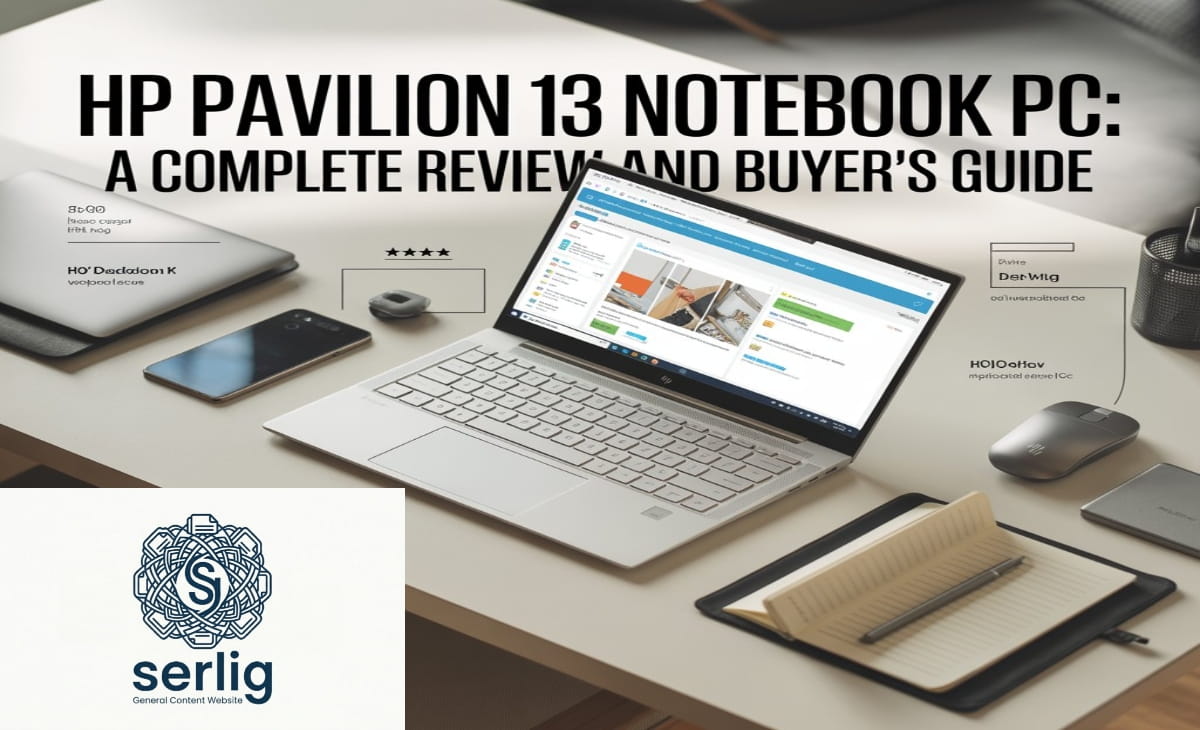
HP Pavilion 13 Notebook PC: A Complete Review and Buyer’s Guide
For decades, the HP Pavilion series has represented one of the most trusted names in consumer laptops — a line that reliably delivers performance, portability, and value without the premium price tag of HP’s Envy or Spectre ranges. Within that lineup, the HP Pavilion 13 Notebook PC stands out as a particularly compelling machine for students, remote workers, and anyone who craves a slim, lightweight laptop that can genuinely handle the demands of daily life.
This comprehensive guide explores everything you need to know about the HP Pavilion 13 — from design and build quality to performance, display, battery life, and who this laptop is really built for.
A Legacy of Value: The HP Pavilion Series
Before diving into the specifics of the 13-inch model, it helps to understand the broader context. HP’s Pavilion series has long been positioned as the company’s “sweet spot” — budget-friendly without being cheap, feature-rich without being overpriced. The line spans 13-inch ultraportables all the way to 16-inch powerhouses, but the 13-inch configuration has consistently been the most popular choice for users who prioritize mobility above all else.
Over successive generations, the Pavilion 13 has grown considerably. Early models featured standard plastic chassis, modest processors, and average displays. Today’s versions — particularly the Pavilion Aero 13 — represent a dramatic leap forward in nearly every category, making the “budget” label feel almost like a misnomer.
Design and Build Quality: Punching Above Its Weight
One of the most striking things about the modern HP Pavilion 13 Notebook PC is how refined it looks and feels. HP has made significant strides improving the build quality of Pavilion laptops in recent years. While earlier versions relied on plastic construction, newer Pavilion 13 configurations use a magnesium-aluminum alloy throughout the chassis, making the laptop extremely light — with some configurations weighing just 2.18 pounds (under 1 kilogram). That officially makes it one of the lightest consumer laptops HP has ever produced.
The chassis comes in tasteful color options including Natural Silver and Sky Blue, giving it a professional aesthetic that won’t look out of place in a boardroom or a coffee shop. The overall dimensions sit comfortably in the compact 13-inch category — easy to slide into a bag and carry all day without strain.
Compared to HP’s premium Envy 13, the Pavilion 13 is slightly thicker and marginally heavier, but the differences are minor in day-to-day use. The keyboard deck remains firm during use, which provides a stable typing surface — a quality that matters enormously for anyone spending long hours writing or coding.
Display: Sharp, Bright, and Increasingly Versatile
The display has been one area where the Pavilion 13 has evolved the most across generations. Current models offer a 13.3-inch IPS panel with a modern 16:10 aspect ratio — that extra vertical real estate compared to the older 16:9 standard makes a meaningful difference when reading documents, browsing the web, or working in spreadsheets.
Display options include Full HD+ (1920 x 1200) and QHD+ (2560 x 1600) resolutions, with the screen supporting 100% sRGB color coverage and a peak brightness of around 400 nits on newer Aero configurations. Anti-glare coating reduces reflections, which is a notable improvement over older glossy-panel Pavilion models that struggled outdoors.
Older Pavilion 13 iterations told a slightly different story — some earlier models peaked at just 250–269 nits of brightness, which could make outdoor use challenging. Color accuracy on those earlier panels reproduced around 60% of the sRGB color space, limiting their appeal for color-sensitive tasks like photo editing. However, HP has consistently improved these numbers with each generation.
The 720p webcam on standard models handles video calls competently, while the 2024 Pavilion Aero 13 steps up to a 5MP webcam with an IR sensor for Windows Hello face recognition — a genuinely premium feature at this price point.
Performance: Surprisingly Capable for a Mid-Range Laptop
The HP Pavilion 13 Notebook PC has historically been powered by a range of Intel and AMD processors. Current Pavilion Aero 13 configurations run on AMD’s Ryzen 5 and Ryzen 7 processors from the 8040 series (in 2024 models), paired with up to 16GB of LPDDR5 RAM and up to 1TB of M.2 PCIe 4.0 NVMe SSD storage.
Benchmark results for Pavilion 13 models have consistently impressed for their price tier. In Geekbench 5 testing, configurations with AMD Ryzen 7 processors scored around 5,876 — surpassing competitors like the Acer Swift 3 and ASUS ZenBook 13 equipped with Intel’s 11th-gen Core i7. In video transcoding tests, the Pavilion Aero 13 converted a 4K clip to 1080p in just over nine minutes — nearly cutting the time of comparably priced Intel-based laptops in half.
For everyday workloads — 25+ Chrome tabs open simultaneously, music streaming, YouTube playback, and image editing — the Pavilion 13 handles things with ease and minimal fuss. It won’t replace a dedicated workstation for heavy video editing or 3D rendering, but it’s genuinely impressive for a laptop in its price range.
One important caveat worth noting: the RAM on most Pavilion 13 configurations is soldered to the motherboard. This means you cannot upgrade it after purchase. It is therefore worth investing in the 16GB configuration from the outset if you plan to use this machine for several years.
The cooling solution on the Pavilion 13, while functional, does impose some limits on sustained peak CPU performance under heavy sustained loads. For burst tasks and typical productivity work, this is rarely noticeable. For extended video encoding or compilation tasks, more premium laptops with better thermal management may edge ahead.
Keyboard and Touchpad: Comfortable and Practical
The keyboard on the HP Pavilion 13 is a standard chiclet-style layout with backlighting — a welcome feature for working in dim environments. The key travel is adequate for the thin form factor, and most users find it comfortable to adapt to quickly. In timed typing tests, reviewers have consistently hit well above 100 words per minute on the Pavilion 13’s keyboard, suggesting it doesn’t significantly hinder productivity.
The touchpad, while functional and accurate, is on the smaller side — a natural consequence of the compact 13-inch chassis. Multi-touch gestures work reliably, and the surface feels smooth. Users who do a lot of precise graphical work may prefer pairing the Pavilion 13 with an external mouse, but for everyday navigation, the built-in touchpad is perfectly adequate.
A dedicated fingerprint reader sits on the keyboard deck — a convenient and thoughtful placement that offers a fast and reliable way to log in without typing a password every time.
Connectivity and Ports: Well-Equipped for a Slim Machine
Given how thin the HP Pavilion 13 is, the port selection is reasonably generous. Standard connectivity includes a USB Type-C port (with USB 3.2 Gen 2 speeds and DisplayPort output on Aero models), two USB Type-A ports, an HDMI 2.0 connector, a headphone/microphone combo jack, and a MicroSD card reader on some configurations.
Wireless connectivity in current models includes Wi-Fi 6 (or Wi-Fi 6E on some configurations) and Bluetooth 5.2, keeping the Pavilion 13 future-proofed for wireless peripherals and fast home network connections.
One minor omission is the absence of a full-size SD card reader on the Aero line, which may disappoint photographers who frequently transfer images from a camera. Overall, however, the port lineup covers the essentials without forcing users to carry a hub for typical daily use.
Battery Life: Solid for the Workday
Battery endurance is a key consideration for any portable laptop, and the HP Pavilion 13 delivers a respectable showing. The machine houses a 43Wh battery — modest in capacity but efficiently managed by AMD’s Ryzen processors.
In real-world tests, the Pavilion 13 can handle a moderate workday of browsing, document editing, and video calls. In the PCMark 10 Modern Office Battery Life benchmark, some configurations lasted around 394 minutes (approximately 6.5 hours) under moderate productivity loads. Lighter use with reduced screen brightness can extend this further.
HP Fast Charge is supported, allowing the battery to reach 50% charge in about 30 minutes — a useful feature when time before a meeting or class is short. The laptop can also be charged via USB-C, which adds flexibility when using a multi-device charger or a compatible power bank.
For users who plan to spend full days away from power outlets, carrying the charger remains advisable. The battery is good enough for most half-day to full workday scenarios, but heavy users may find themselves reaching for the charger by mid-afternoon.
Software and Operating System
HP Pavilion 13 laptops ship with Windows 11 Home, giving users access to the full Microsoft ecosystem from day one. HP includes a modest selection of pre-installed software, though the bloatware situation has improved compared to older HP laptops. Newer Pavilion 13 Aero models also ship with AI enhancements through AMD’s NPU (Neural Processing Unit), contributing to features like improved webcam quality and system optimizations for AI-assisted workflows.
Who Is the HP Pavilion 13 Notebook PC For?
The HP Pavilion 13 Notebook PC occupies a well-defined niche, and it fills that niche admirably. Here’s who will get the most out of it:
Students will find it an ideal companion — lightweight enough to carry between classes, powerful enough for research papers, presentations, and video streaming, and affordable enough not to break a tight budget.
Remote workers and professionals who need a reliable, portable machine for email, video calls, document editing, and cloud-based applications will appreciate the Pavilion 13’s balance of performance and portability.
Frequent travelers benefit enormously from the sub-2.2-pound weight and compact form factor. Slipping the Pavilion 13 into a bag is effortless, and it won’t weigh down a carry-on.
Budget-conscious buyers who don’t want to compromise on quality will find the Pavilion 13 punches well above its price class, particularly in recent Aero configurations that bring premium build materials and modern display technology to a mid-range price point.
How It Compares to the Competition
The HP Pavilion 13 sits in a competitive segment that includes machines like the Acer Swift 3, ASUS ZenBook 13, and Lenovo IdeaPad Slim 5. Against those rivals, the Pavilion 13 generally holds its own — sometimes pulling ahead on raw CPU benchmarks with AMD configurations, while occasionally falling behind on display brightness or port selection depending on the specific model compared.
Against HP’s own Envy 13, the Pavilion 13 offers a notable value proposition: similar portability and a comparable form factor at a lower price, though the Envy 13 typically wins on display brightness (around 60% higher maximum nits), battery capacity (51Wh vs 43Wh), and slightly thinner bezels. For buyers on a tighter budget, the Pavilion 13 is the clear choice; those with more flexibility and display-critical needs may consider stepping up.
Final Verdict
The HP Pavilion 13 Notebook PC has matured into one of the most compelling mid-range ultraportables on the market. It combines a surprisingly premium build, a capable processor, a sharp modern display, and satisfying everyday performance into a chassis light enough to forget you’re carrying it.
It isn’t perfect — soldered RAM, modest sustained thermal performance under heavy loads, and a smaller battery than some rivals are genuine trade-offs. But for the vast majority of users — students, professionals, and everyday computer users who don’t need a workstation — the Pavilion 13 delivers exceptional value and a user experience that rivals machines costing significantly more.
If you’re searching for a well-rounded, lightweight 13-inch laptop that handles daily tasks with grace and won’t leave your wallet empty, the HP Pavilion 13 Notebook PC deserves serious consideration.
Explore more by reading this related post: Starbucks Schedule Guide (2026): Everything Partners Need to Know About Shifts, Hours & Workflows
FAQs
Is the HP Pavilion 13 Notebook PC good for students?
Yes, it’s lightweight, affordable, and powerful enough for assignments, browsing, and video streaming, making it ideal for students.
Can you upgrade RAM in the HP Pavilion 13?
No, most Pavilion 13 models have soldered RAM, so it cannot be upgraded after purchase.
How long does the HP Pavilion 13 battery last?
It typically lasts around 6–8 hours with moderate use, depending on brightness and workload.
Is the HP Pavilion 13 good for gaming?
It can handle light gaming, but it’s not designed for high-end or demanding games due to integrated graphics.
What processor does HP Pavilion 13 use?
Recent models use AMD Ryzen 5 and Ryzen 7 processors, offering strong performance for everyday tasks and multitasking.